
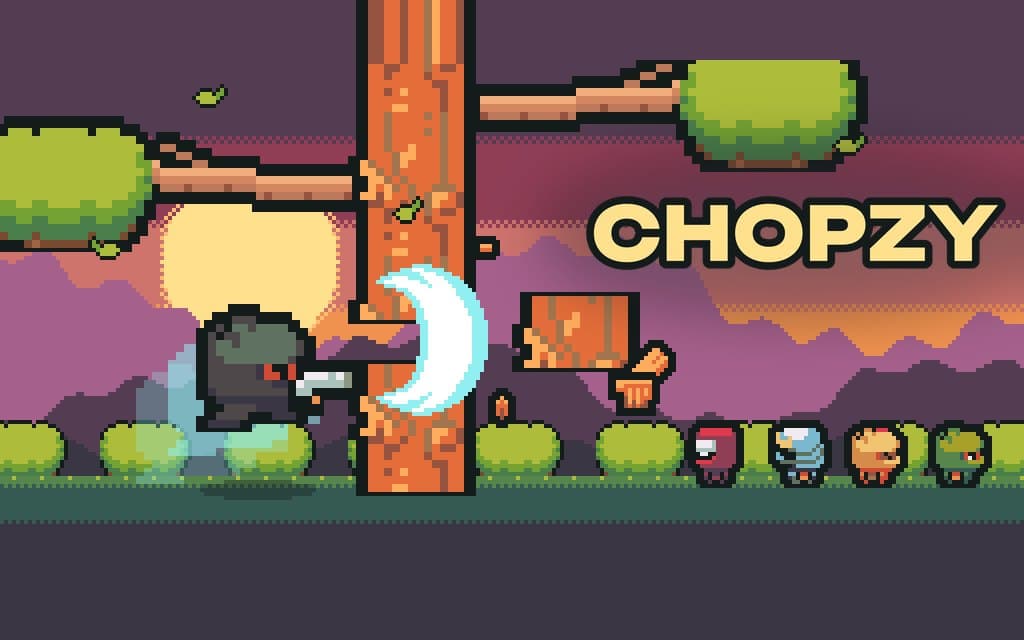
Chopzy
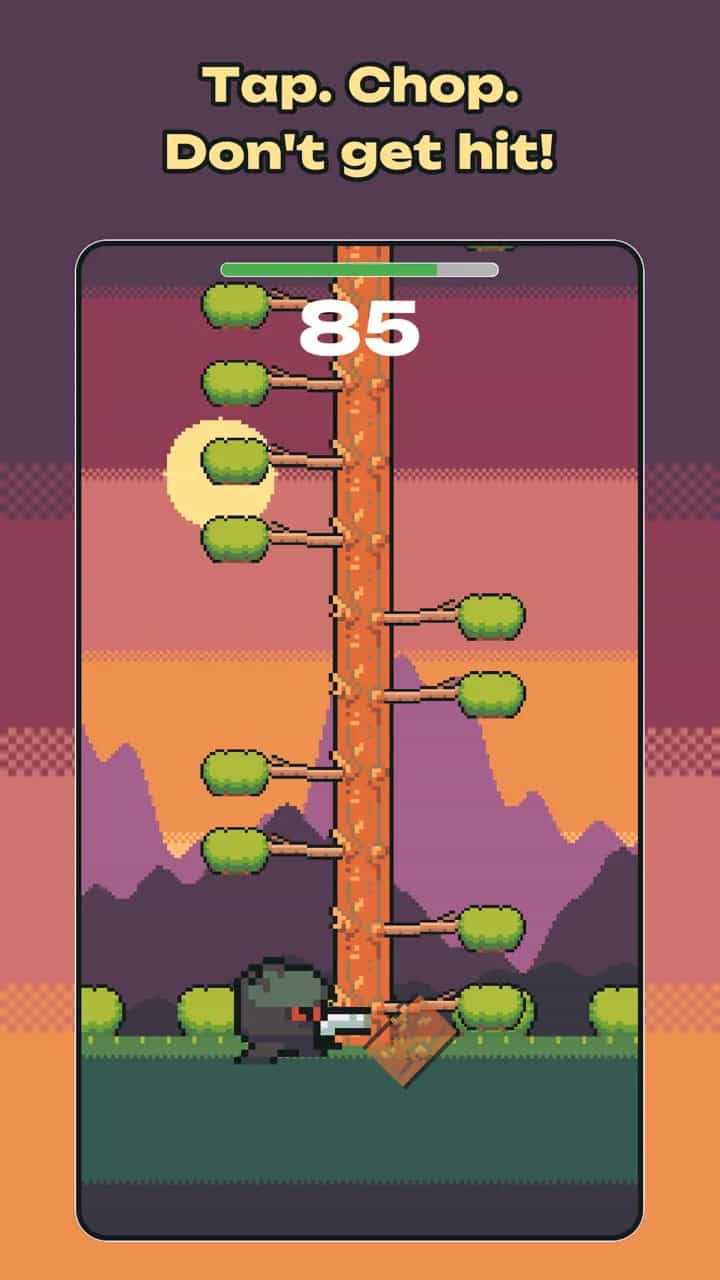
Tap. Chop. Don't get hit!
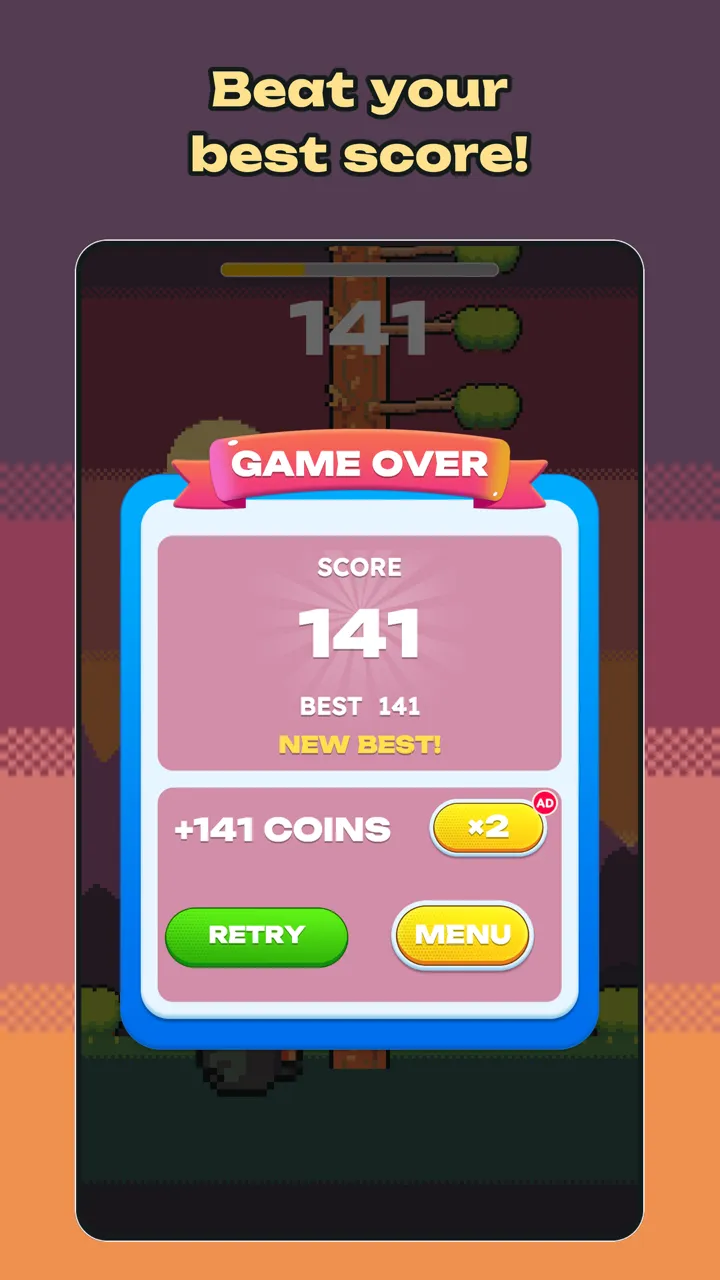
Tap left or right, chop the tree and dodge the branches. Beat your high score!
- Developer:
- Machware Games
- Platform:
- Android, iOS
- Genre:
- Arcade, One-tap
- Release date:
- Coming soon
- Age rating:
- 3+
About the game
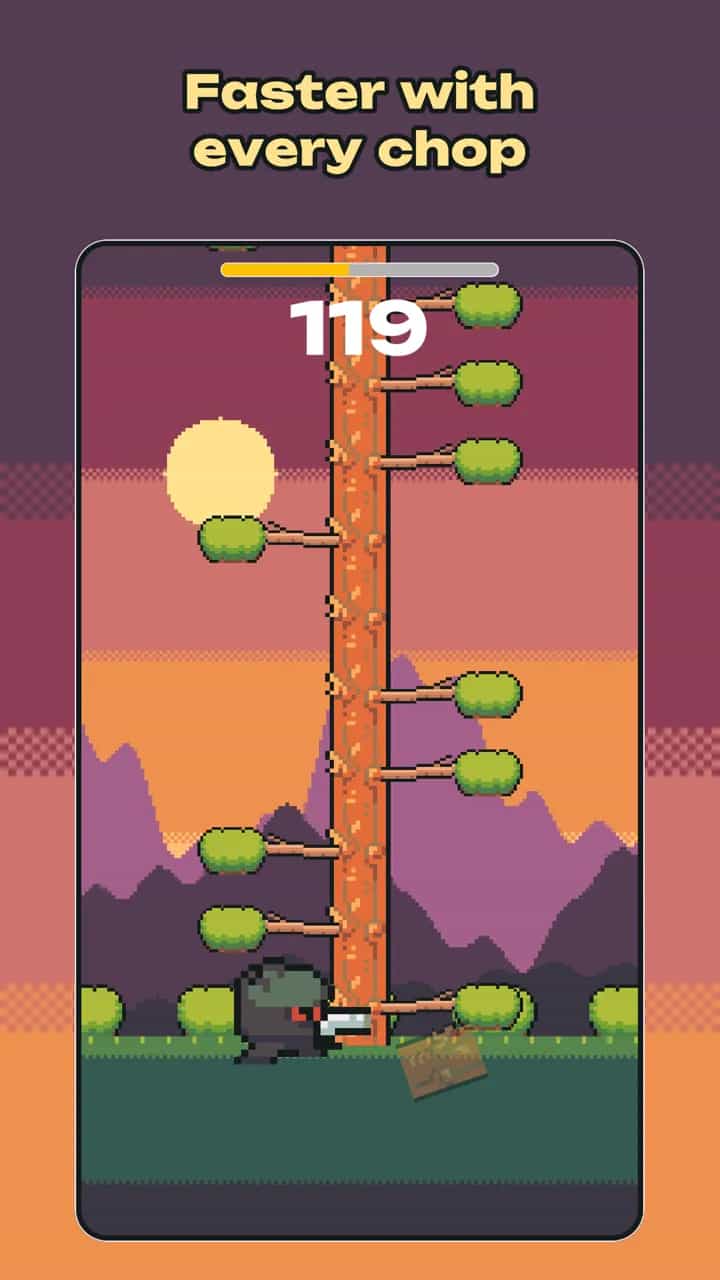
Chopzy is a fast one-tap arcade game. Tap the left or right side of the screen and your ninja jumps to that side and slices a piece off the tree. Watch the branches: if one comes down on your side, the run is over. Every chop refills your timer, and the tree gets faster the higher you climb.
Simple to learn, hard to master
The controls are just left or right. Runs are short, perfect for a quick break, and the pace rises with your score, so every run is a new reflex test.
A new race every day
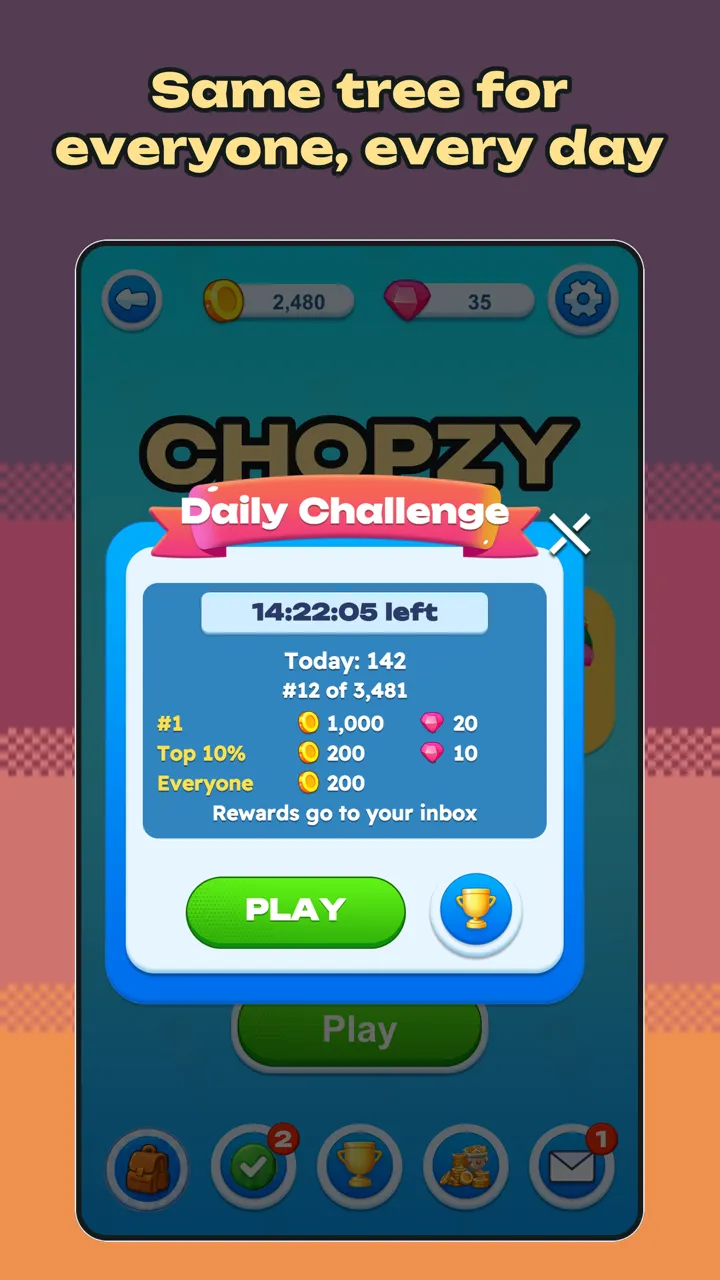
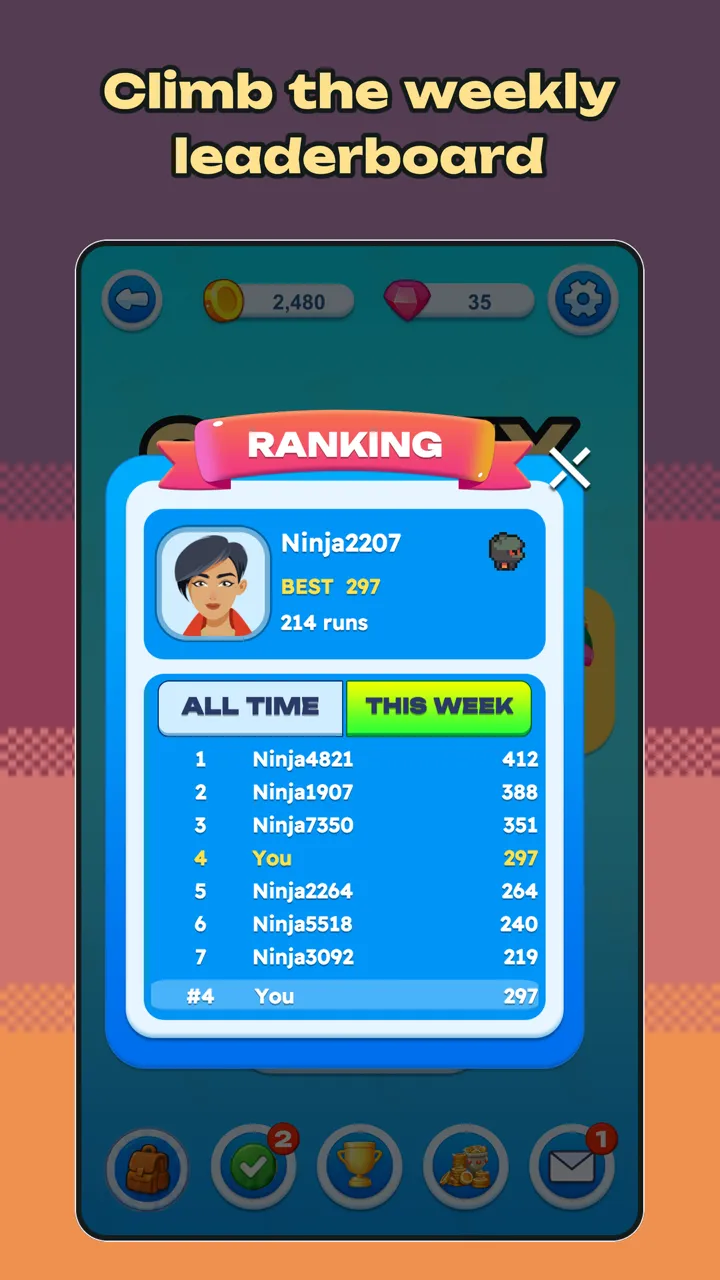
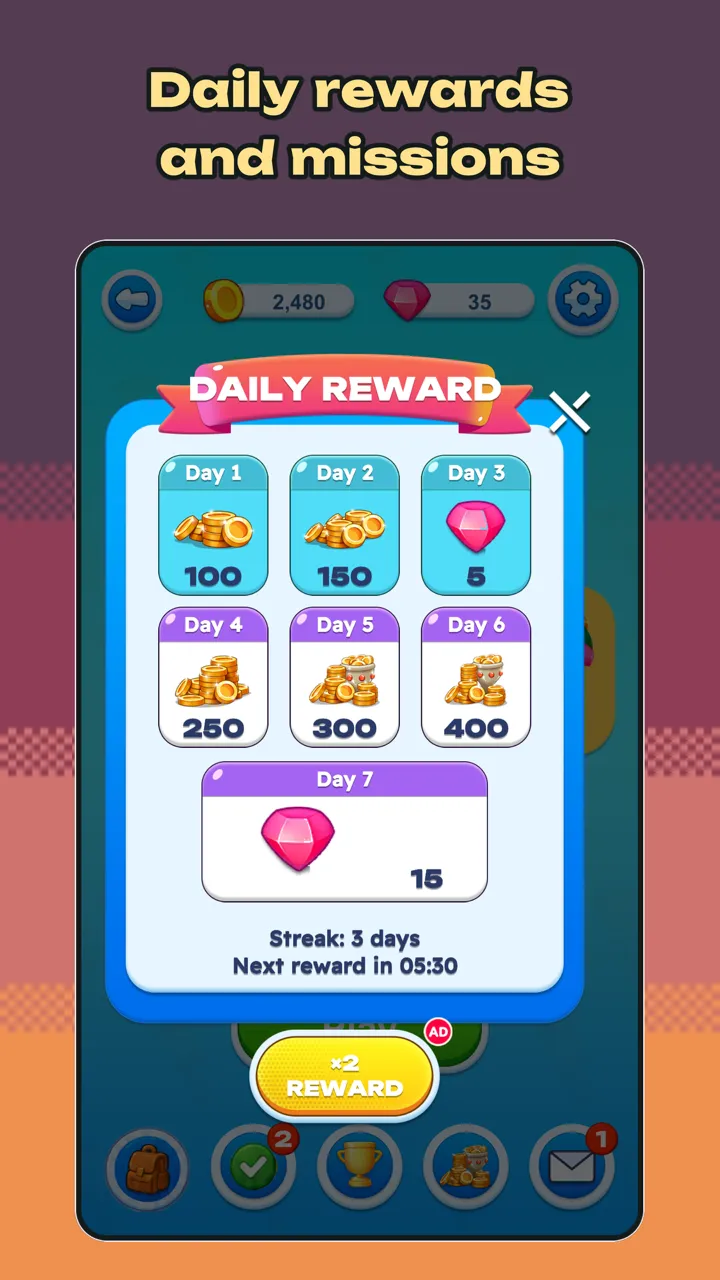
In the daily challenge everyone gets the same tree each day; see who chops the furthest on the daily leaderboard. Global and weekly leaderboards, weekly rewards, a 7-day login streak and missions that refresh every few days are waiting.
Pick your ninja
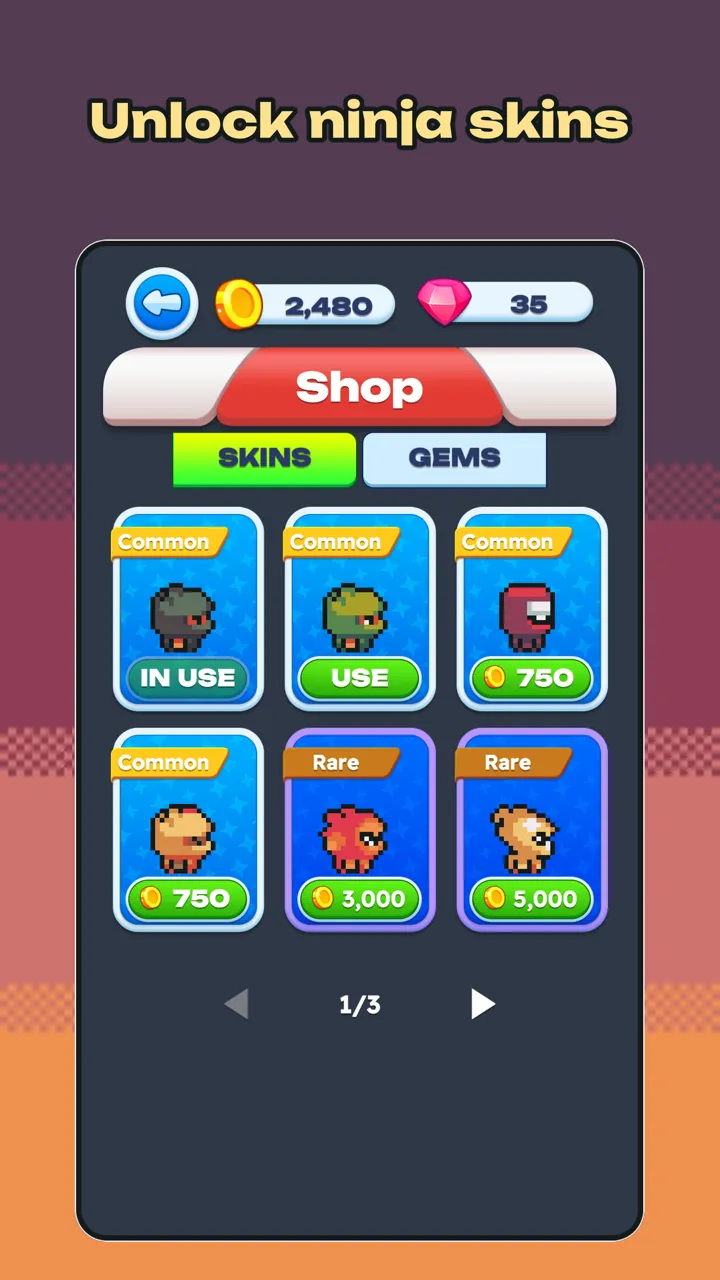
Unlock colourful ninja skins with the coins you earn and show off your style on the leaderboard.
Chopzy is free to play. It contains ads and optional in-app purchases (for example Remove Ads and gem packs).
Features
Daily challenge: the same tree for everyone, every day
Global and weekly leaderboards
Weekly rewards and 7-day login streak rewards
Missions and limited-time events
Ninja skins you unlock with the coins you earn
Play offline; your runs sync when you are back online
English, Turkish, German, French, Spanish and Italian
Optional progress linking: Google Play Games (Android) and Apple (iOS)
Screenshots
Frequently Asked Questions
Can I play without an internet connection?
Yes. Chopzy plays without a connection, and your runs sync when you are back online. Online features such as leaderboards need a connection.
Do I need to create an account or sign in?
No. The game keeps your progress in an anonymous player profile on our server. If you want, you can link your progress with Google Play Games (Android) or Sign in with Apple (iOS); this is entirely optional.
What does Remove Ads do?
The one-time Remove Ads purchase turns interstitial ads off. Rewarded ads stay available as an option: if you don't want to watch one, you don't.
How do I restore my purchases on a new phone?
Open the game with the same Google Play or Apple account and tap Restore purchases in Settings. Permanent purchases (e.g. Remove Ads) are restored. Payments go only through Google Play or the App Store.
How do I change my privacy choices?
Settings › Privacy Choices has switches for usage statistics (off by default) and crash reports (on by default), lets you reopen the ad consent form and links to the privacy policy. On iOS the game does not track you and ads are always non-personalised.
What is the Support code and where do I find it?
The Support code is a short code shown in Settings › Account. In support and data deletion requests it lets us find your profile and confirm that it is yours. Don't share it with anyone.
Legal and Support Links for This Game
Find the privacy information, game-specific terms and support channels for “Chopzy” here.